How do you turn the CV you already have into a resume a university panel can screen? Most researchers start from a document they have maintained for years rather than from a blank page. Axe Builder, our resume builder for researchers, turns an ORCID iD into an academic resume with citations, h-index, journal quartiles and Crossref data already in place. Since 11 July, it starts from that document as well: you upload the CV, and the builder reads it and fills in the sections for employment, education, grants, supervision and publications, each one ready for your review.
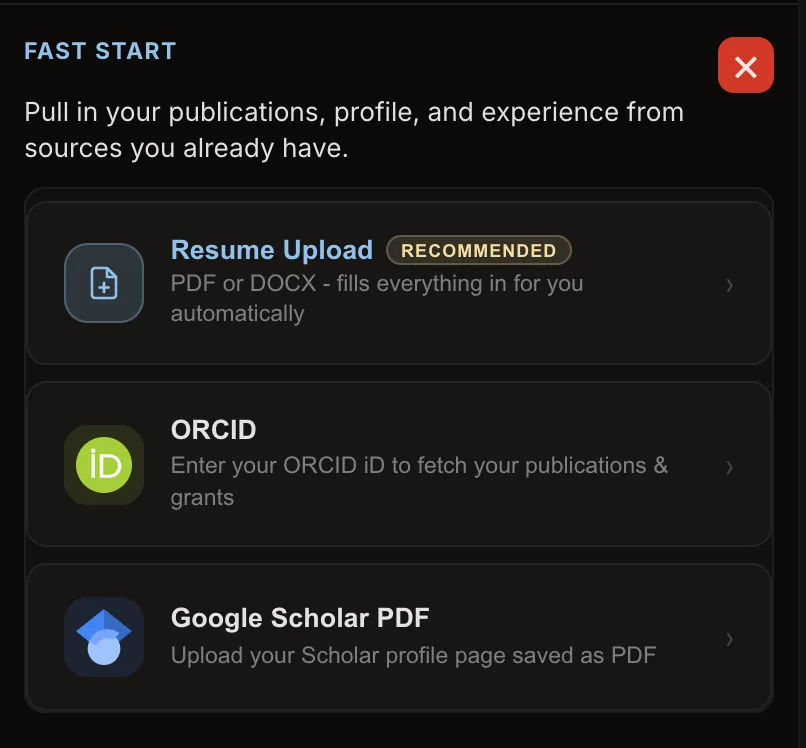
The upload works alongside the ORCID import. Your own CV supplies the career, ORCID supplies the publication metadata, and the builder’s enrichment adds quartiles and citation counts on top. In about twenty minutes the result is a document that answers a hiring panel’s questions in the order the panel asks them.
What a university HR screen actually reads
A university HR screen reads publications by quartile, external grants as principal investigator, PhD students supervised to completion as main supervisor, and the Scopus h-index with its source named. We know this because Axe Talent runs that screen for universities, and Axe Builder applies the same checks to the CV you already have before you send it anywhere.